


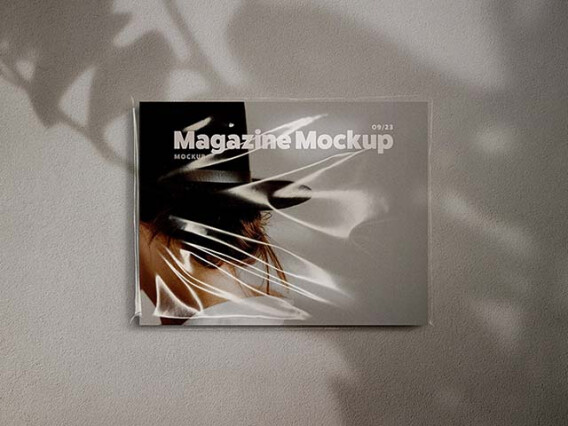
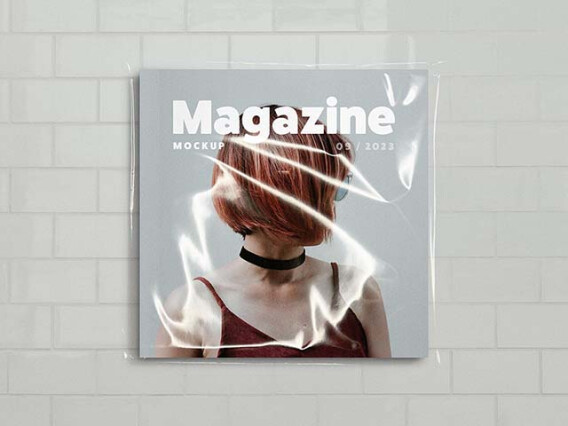
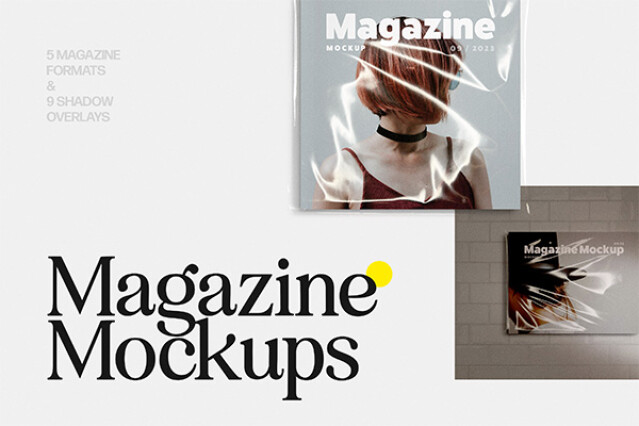


Magazine mockups for editorial layouts and print ads
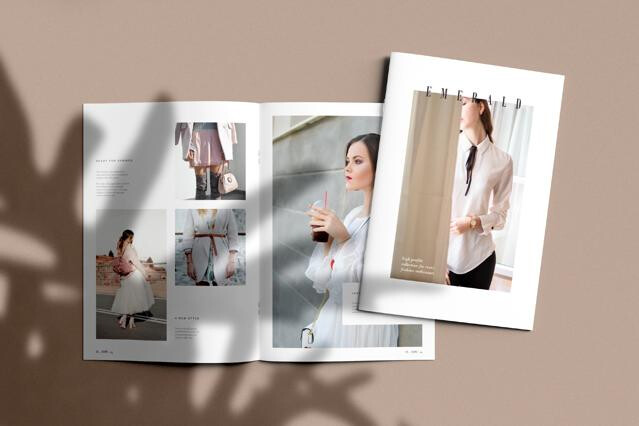
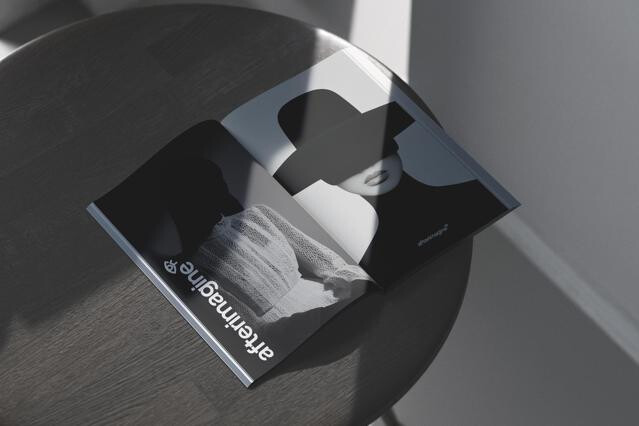
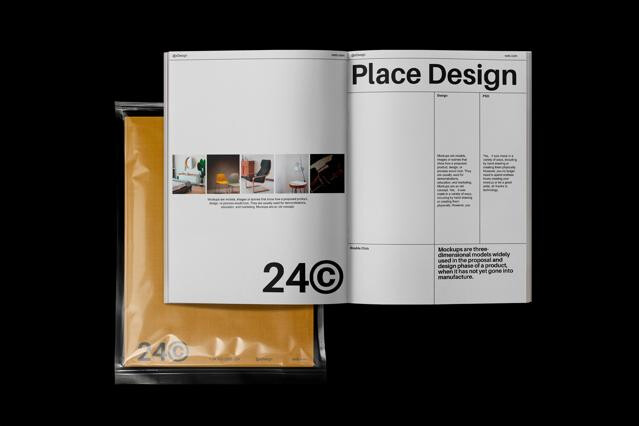
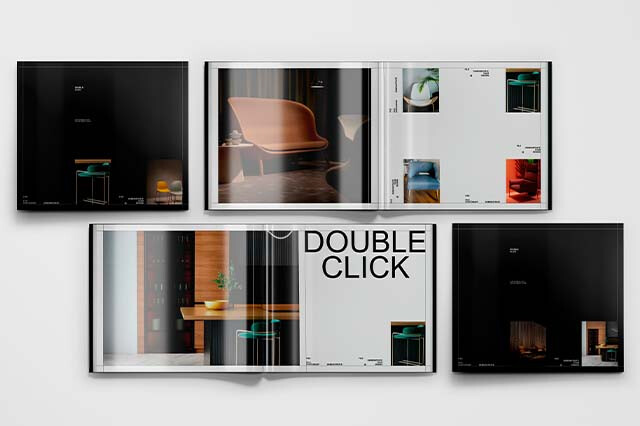
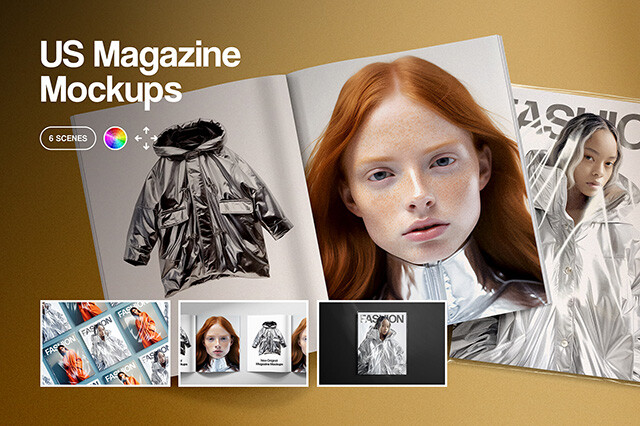
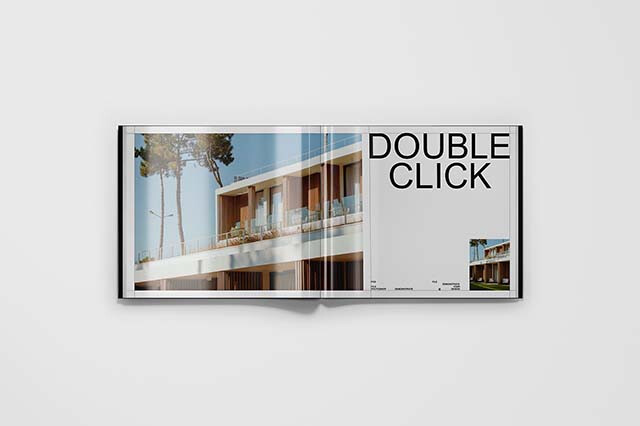
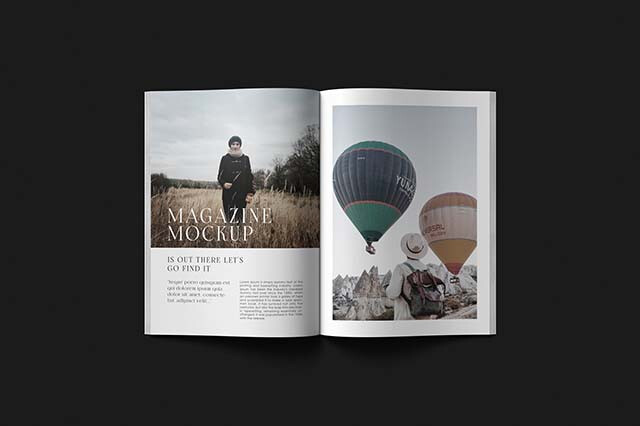
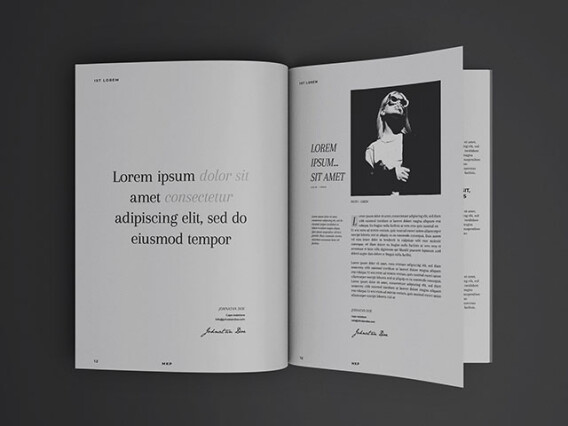
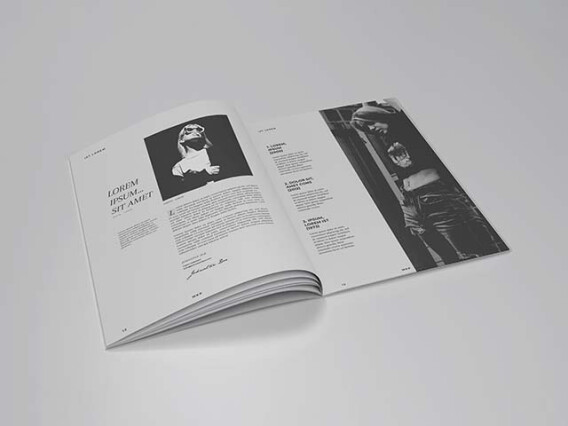
A spread lives in the fold. Type drifts toward the gutter, an image bends into the binding, and a flat PDF export shows none of it. The mockups do. They reveal how a layout paces across two real pages, which is what an editor or an ad client actually judges.
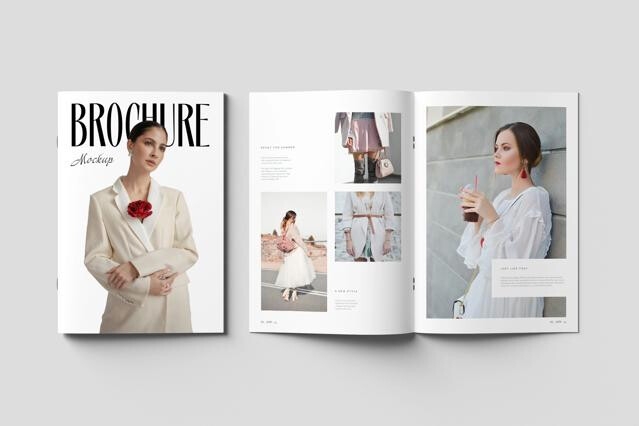
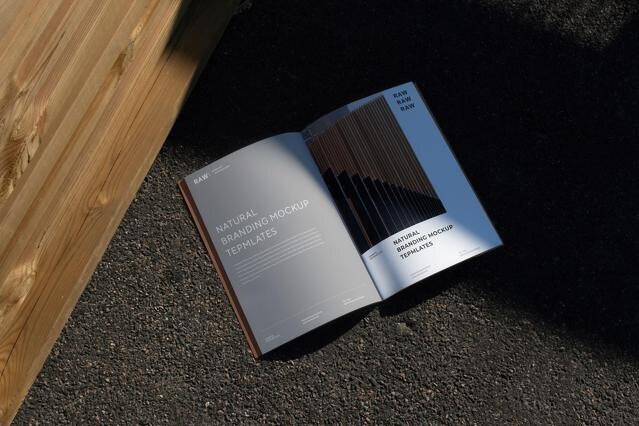
Open spreads use separate Smart Objects for the left and right pages, so you map each independently and keep facing artwork aligned. A displacement grid curves your layout into the central gutter. Watch your margins near the spine, because content that looks safe flat can disappear into the fold once the curve takes hold.
Types of magazine mockups
- Open spreads: flat-laid left and right pages with authentic gutter shadow, where content near the spine can vanish into the fold.
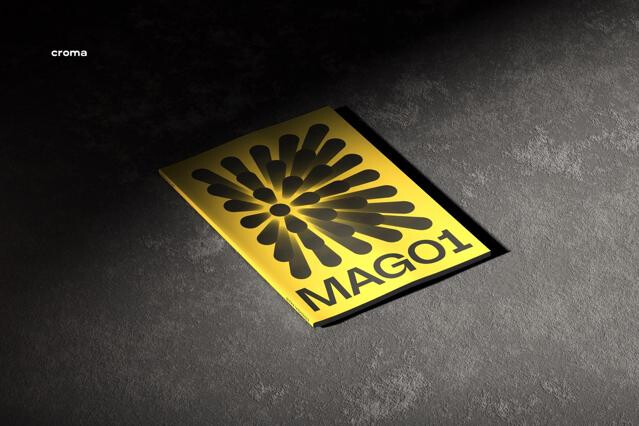
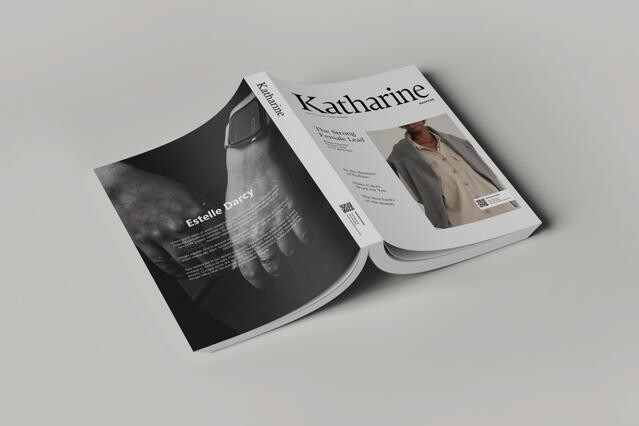
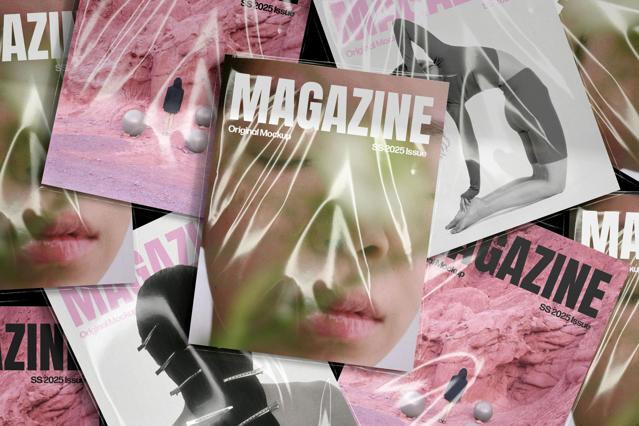
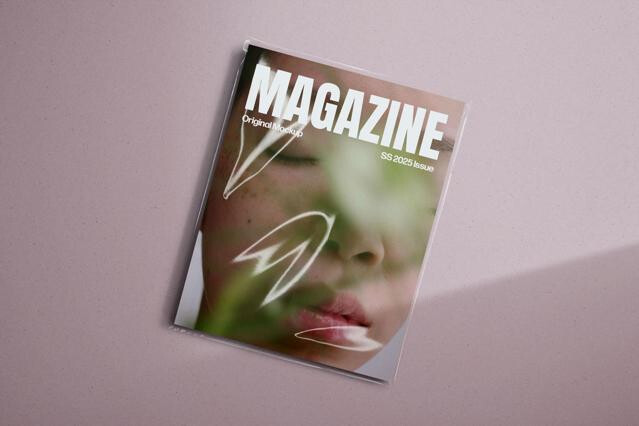
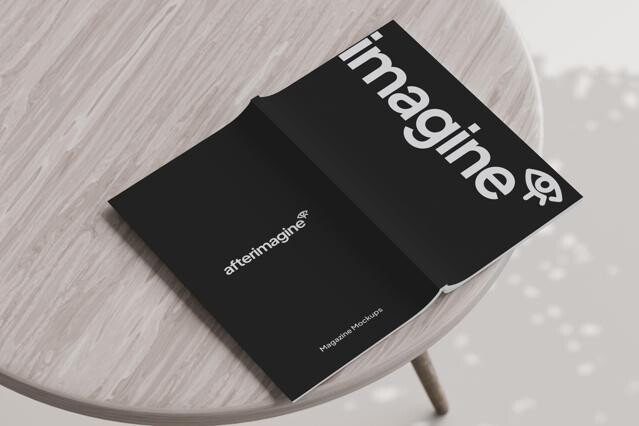
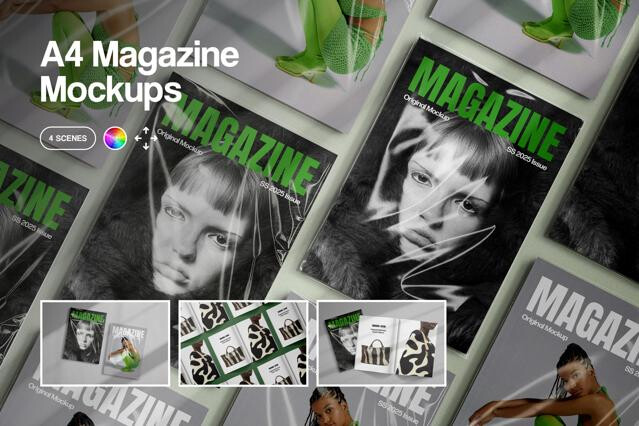
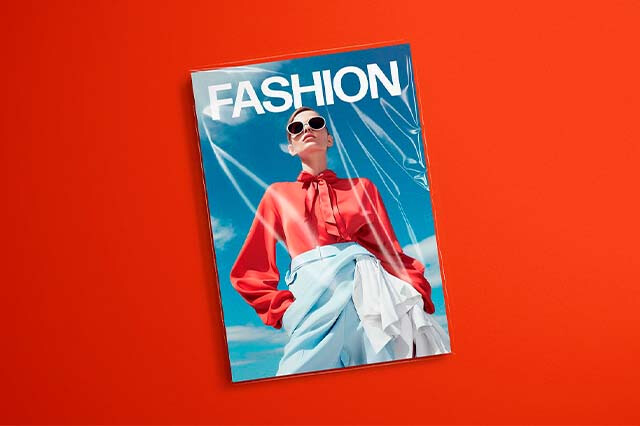
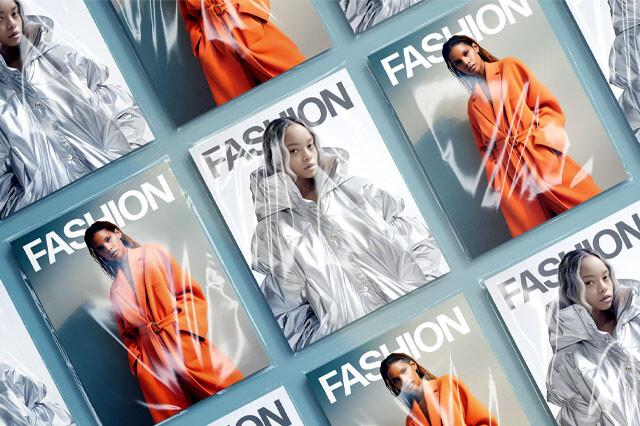
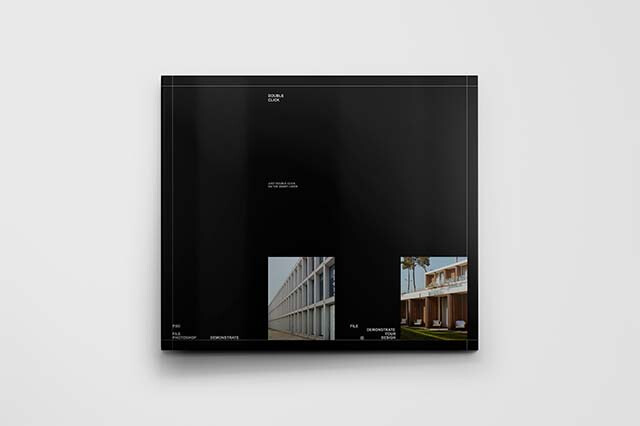
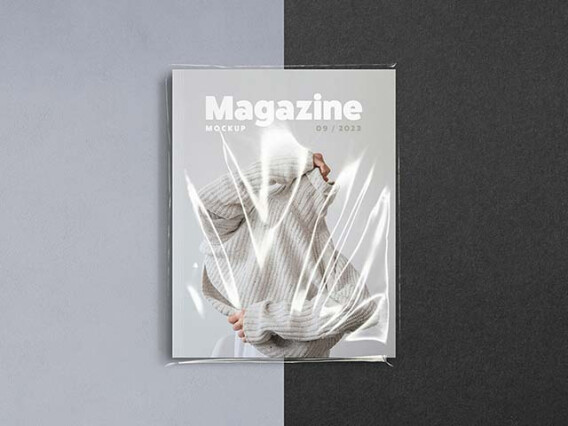
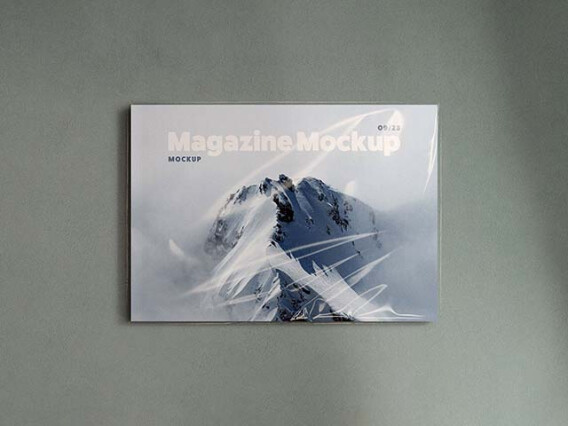
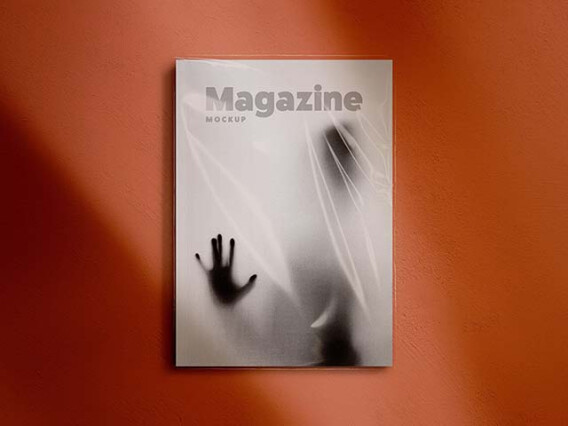
- Front and back covers: perspective shots for masthead placement, cover images, and cover lines.
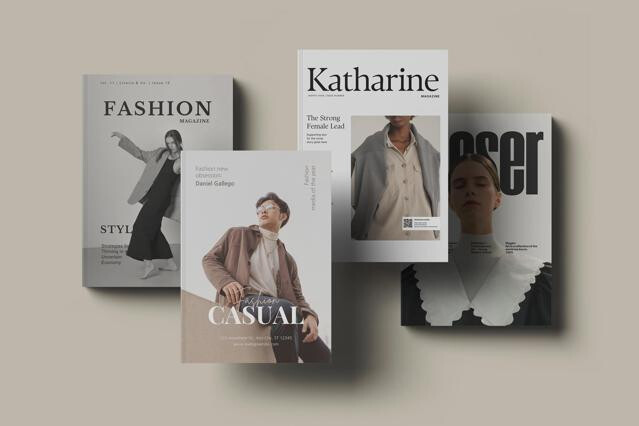
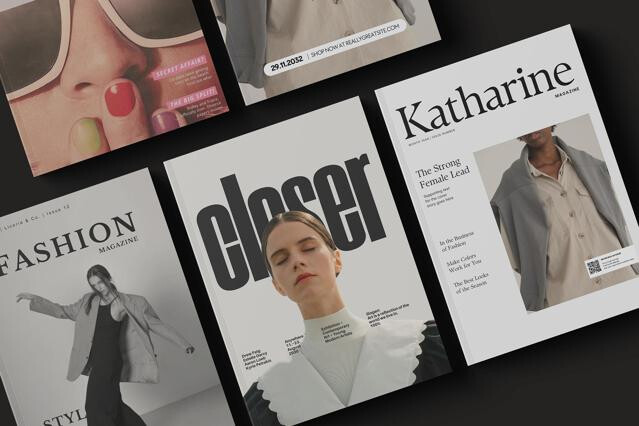
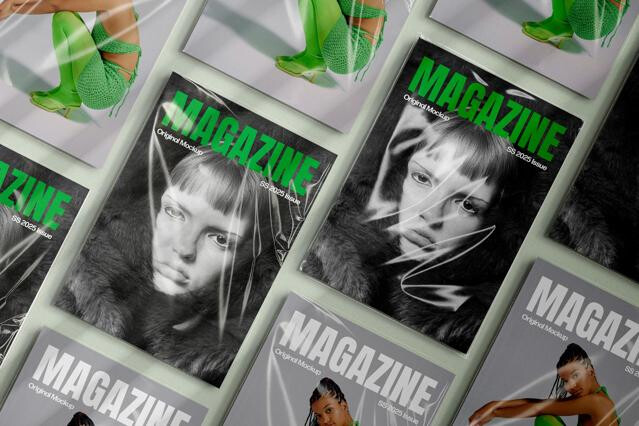
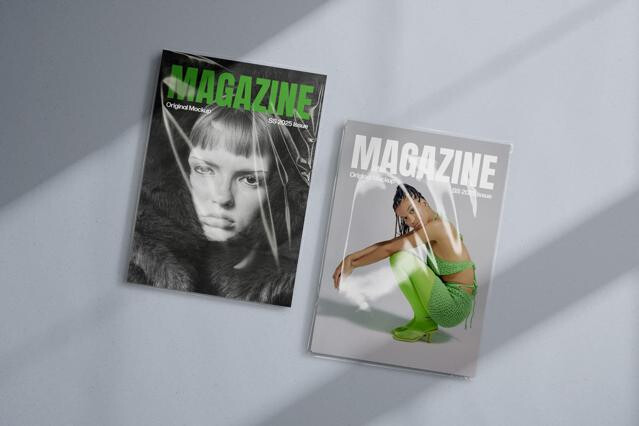
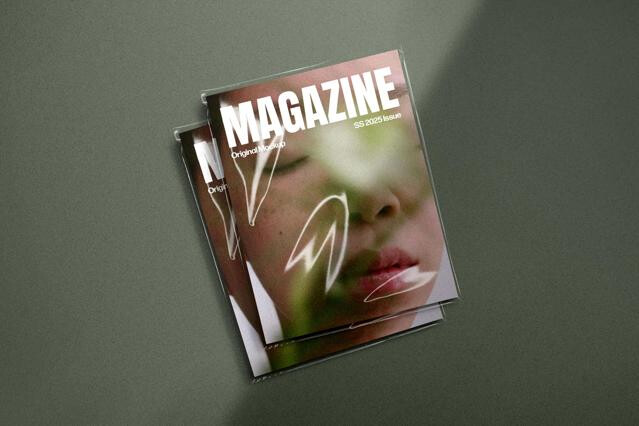
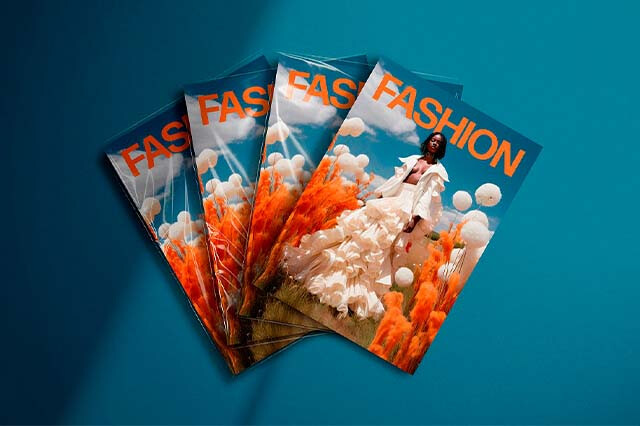
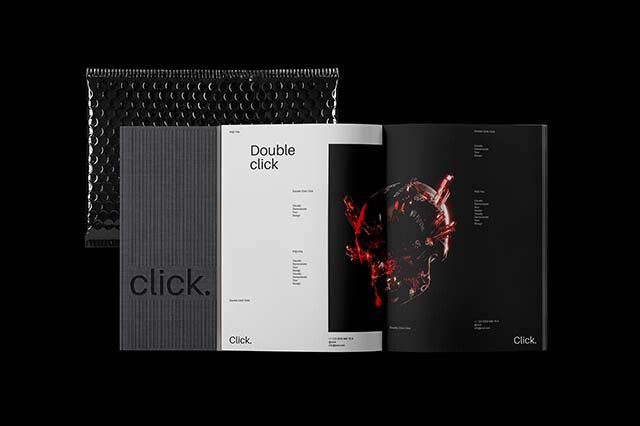
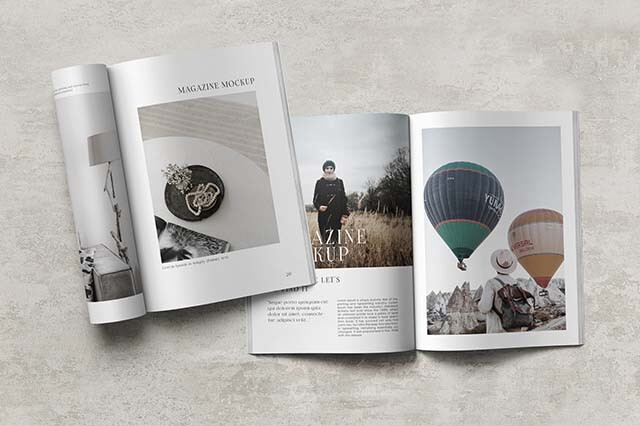
- Stacked and spread views: multiple issues layered to show volume and thickness.
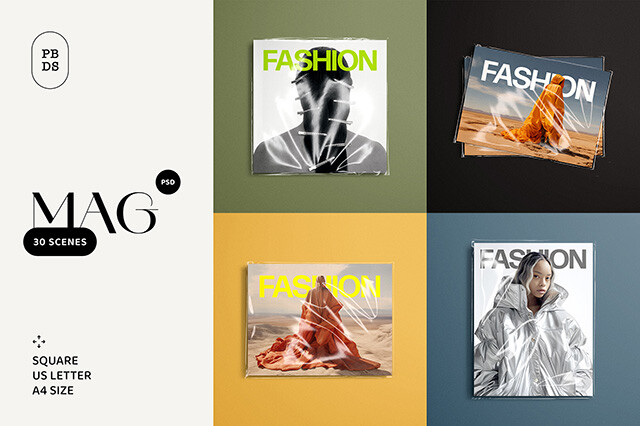
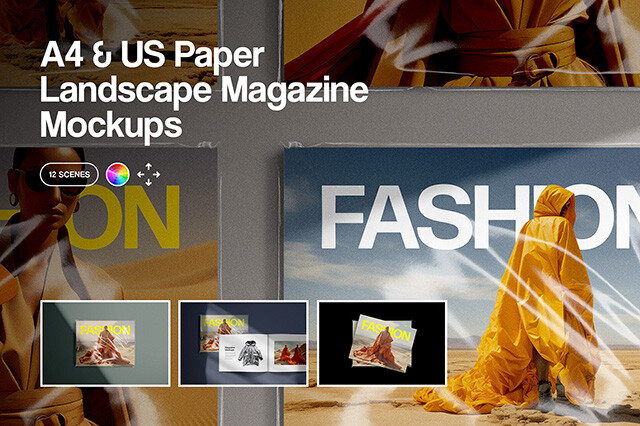
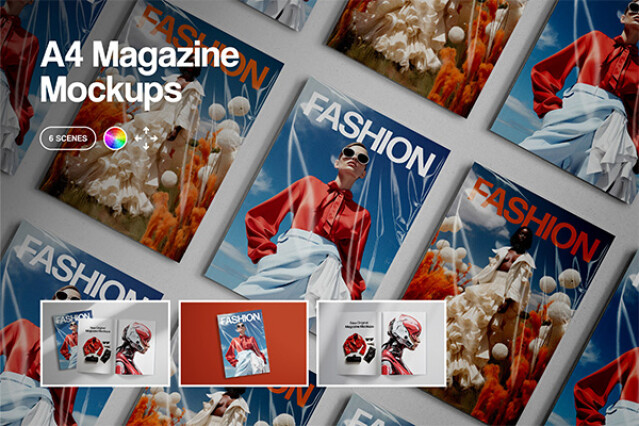
- A4 and Letter formats: publishing dimensions that match standard printing sizes.
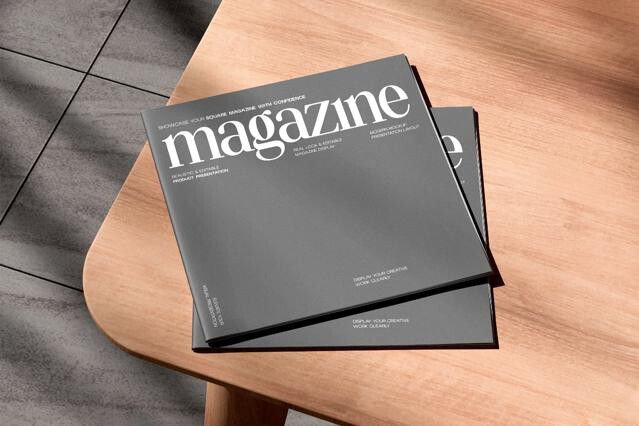
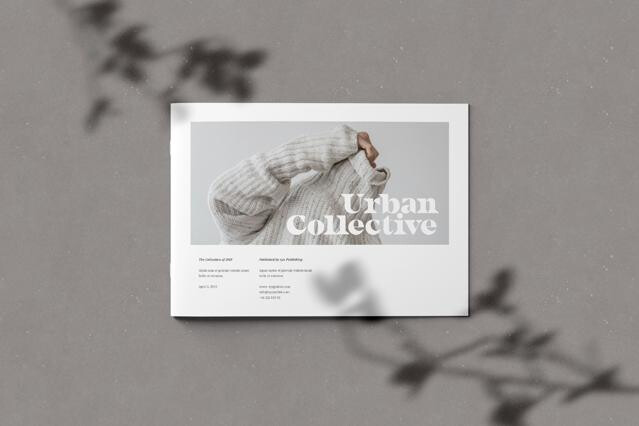
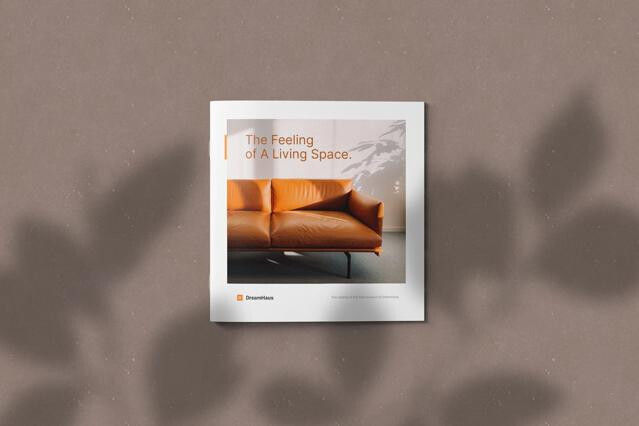
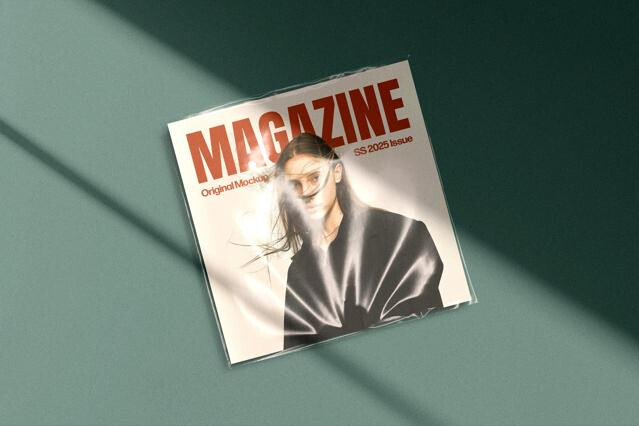
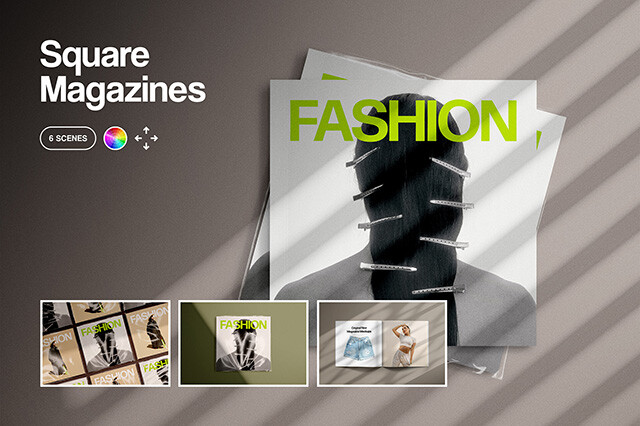
- Square magazines and zines: geometric layouts popular with arts collectives and design studios.
Where the magazine mockup gets used
A magazine layout isn’t judged one page at a time. It is experienced as a spread, where rhythm, balance, and pacing depend on how text and imagery move across the fold. A magazine mockup helps reveal that early, showing how a design reads once the pages sit in a real binding. Editors and art directors use it to see whether the spread holds together as an editorial moment, not just as two approved pages placed side by side.
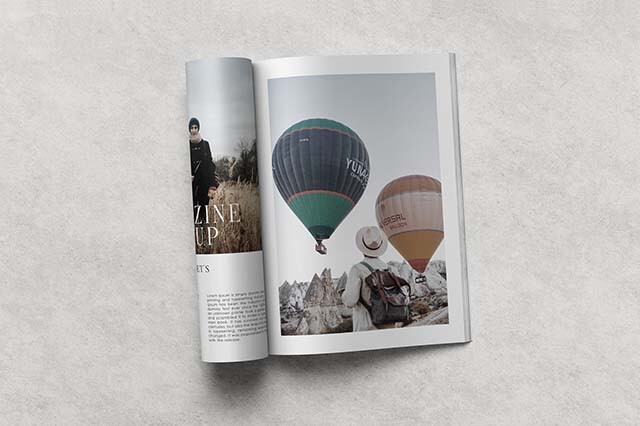
It is especially useful for catching problems around the gutter. Type that looked comfortably placed can drift too close to the spine, important details can bend into the binding, and an image that felt expansive on a flat file can lose impact once the pages curve.
The mockups cover editorial and print:
- Consumer magazines — feature spreads, mastheads, cover stories, contents pages, recurring columns. Magazine mockups show whether the editorial system holds together once typography, photography, and pacing are experienced as a real object.
- Fashion and lifestyle — lookbooks, editorials, beauty pages, seasonal issues, campaign-style publishing.
- Trade and corporate publishing — brand magazines, company reports, membership journals, internal publishing, institutional stories.
- Independent print and art publishing — zines, journals, catalogs, self-published titles, cultural magazines. The mockups show paper scale, cover presence, and the tactile credibility of small-print editorial work.
- Advertising and media placement — full-page ads, inserts, advertorials, sponsorship spreads, product campaigns.
It uses displacement grids that curve your flat layout into the central fold. Keep key content off the spine, since it can slip into the fold once the pages bow.
Yes. Open spreads use separate, labeled Smart Objects for each page, so you can map layouts independently.
In most studio shots the background is independent, so you can drop in a wood, marble, or custom color surface.
Yes. The selection includes popular publishing dimensions, including standard A4 and square layouts.